The Seek blog
Plain guides to finding, sorting and cleaning up the files on your Mac.
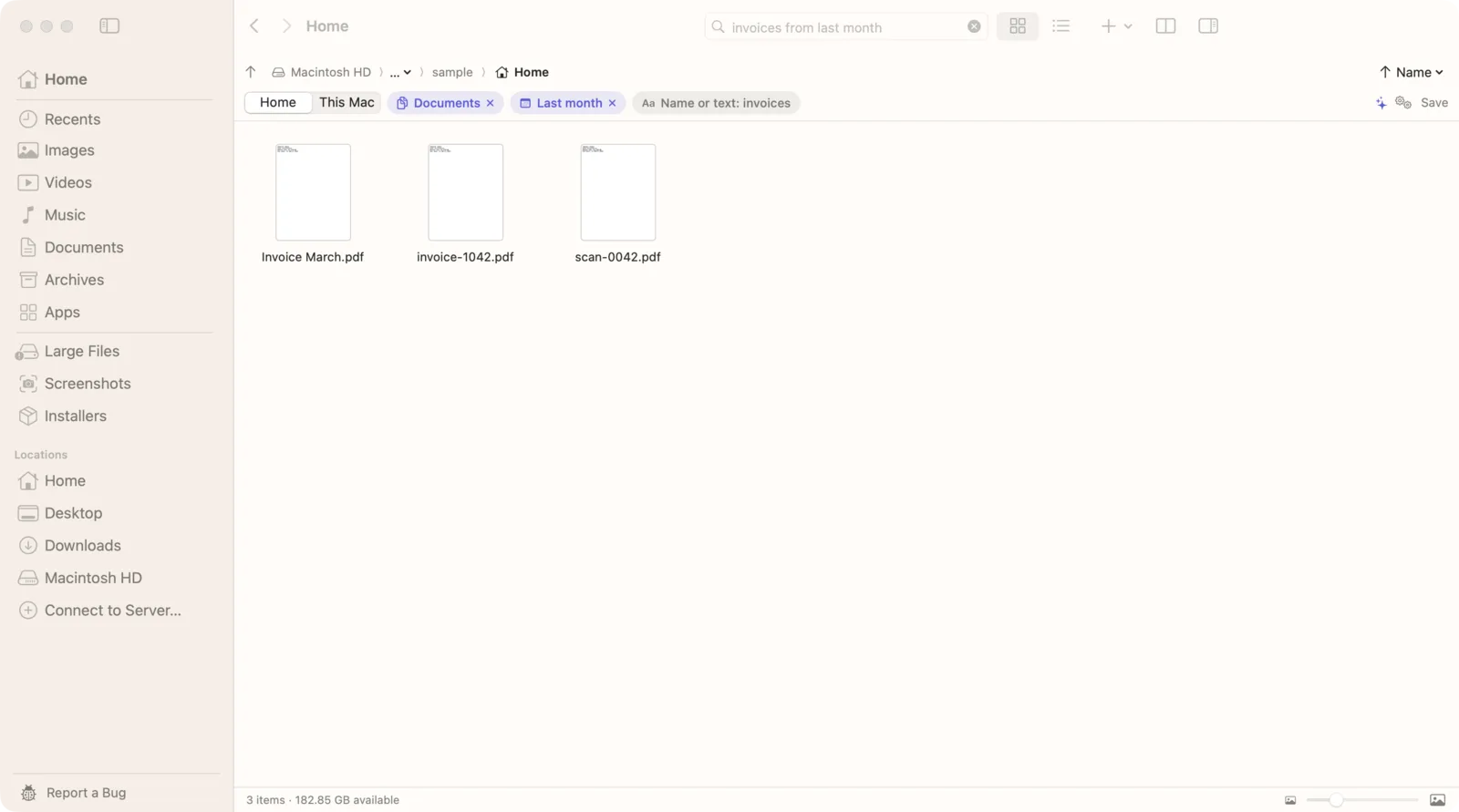
How to search within a folder on Mac
Make Finder search the current folder, include subfolders, and search a folder just by naming it.
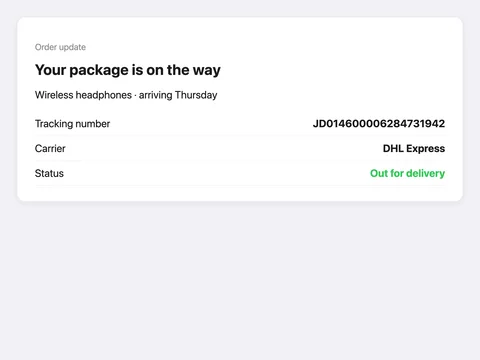
How to search text inside screenshots on Mac
Find the screenshot by what it says, like a tracking number or a password, and copy the text out.
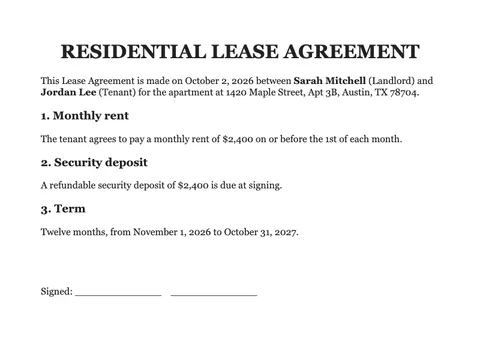
How to search scanned PDFs on Mac
Find words in scanned PDFs on your Mac, without converting them one by one.
How to search text in multiple PDFs on Mac
Find the PDF that mentions it, across a whole folder, including scanned PDFs.
How to search Mac files without relying on Spotlight
When Spotlight is broken or skips a folder: what still finds your files, from Terminal to apps that skip the index.
How to search file contents on Mac: find documents by the words inside
Find documents by the words inside them, even in scanned PDFs and screenshots.
How to search files on an external hard drive on Mac
Search a USB or external drive from Finder, fix a drive Spotlight won't index, or search it without the index.
Offline AI file search on Mac: search files without uploading them
Search files and photos with AI that runs on your Mac. Nothing is uploaded, and it works offline.
Finder search not finding files? What to check on your Mac
Why Finder search misses files you know exist, how to fix it, and a search that doesn't rely on Spotlight alone.
How to search by file name only in Mac Finder
Stop Finder from matching words inside files: search by name only, and get name matches on top.

How to find photos by description on Mac
Describe a photo, like “dog on the beach”, and find it, even in Downloads or on the Desktop. All on your Mac.
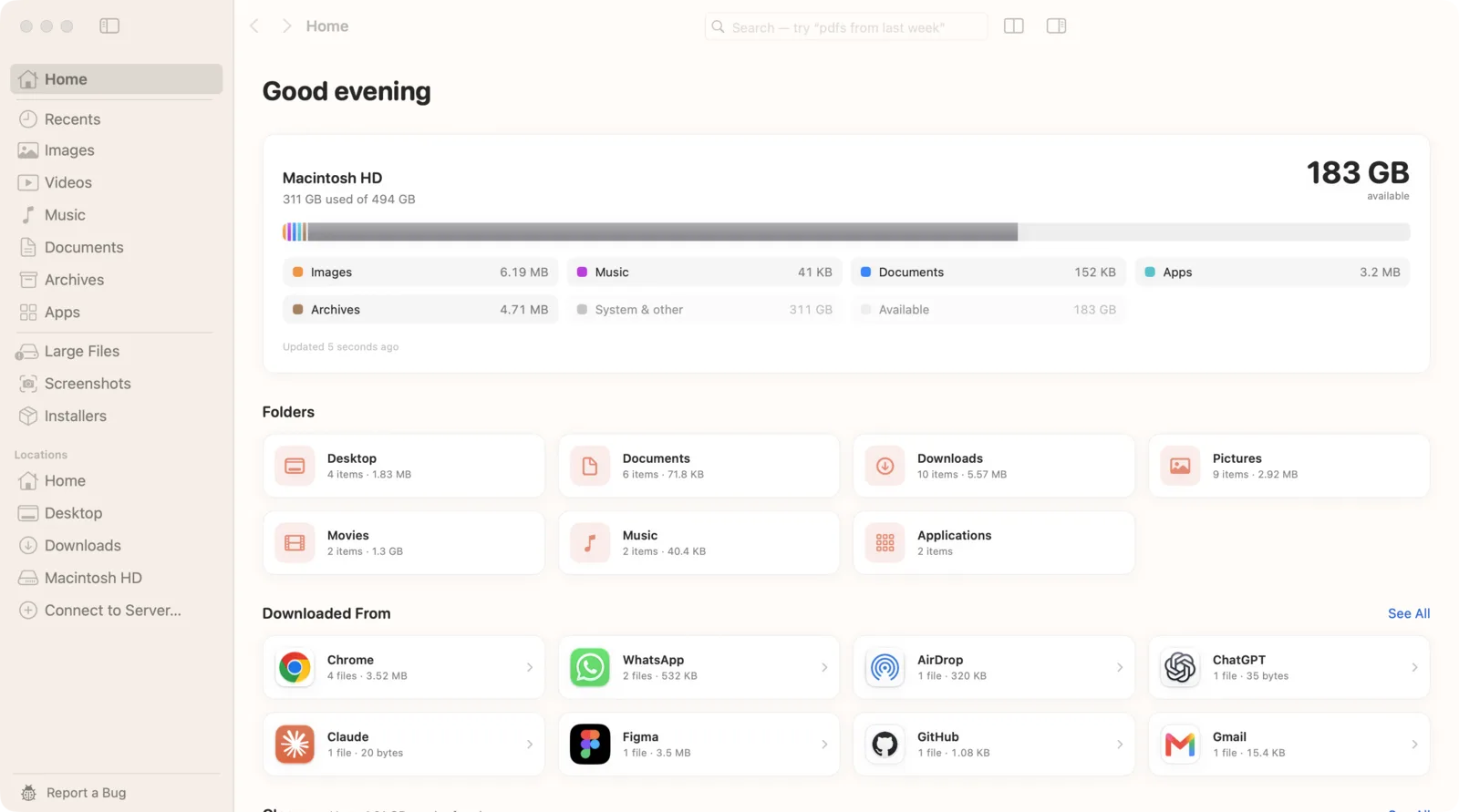
How to find a file on Mac when you don't remember its name
Find files by what's in them, when you got them and where they came from, without the name.
Everything for Mac? The best Everything search alternatives
Everything is Windows-only. Here's how the Mac file search apps compare, and which one fits how you search.
Natural language file search on Mac: describe a file, and find it
Type a sentence like “zips in Downloads older than a week” and Seek turns it into filters you can see and change.
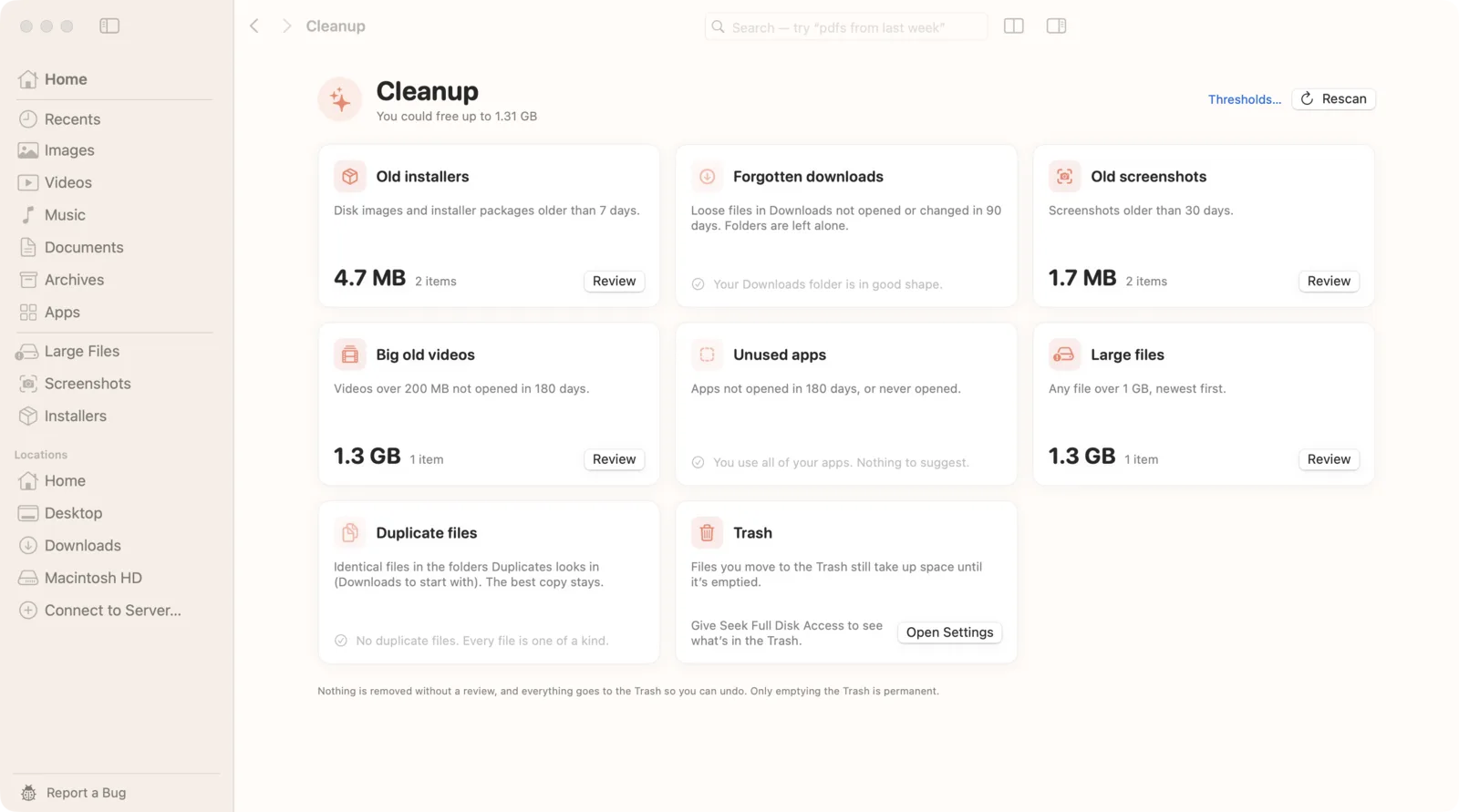
How to free up disk space on your Mac, safely
What fills a Mac, what's safe to clear, and how to get gigabytes back without losing anything.
The best Finder alternatives for Mac, if you need to find files
Most Finder alternatives add panes and servers. Here's how they compare, and which one helps you find files.
How to find and remove duplicate files on your Mac
Find exact copies by content, even with different names, and move the extras to the Trash.